

Transform Any Still Image into a Concert Video
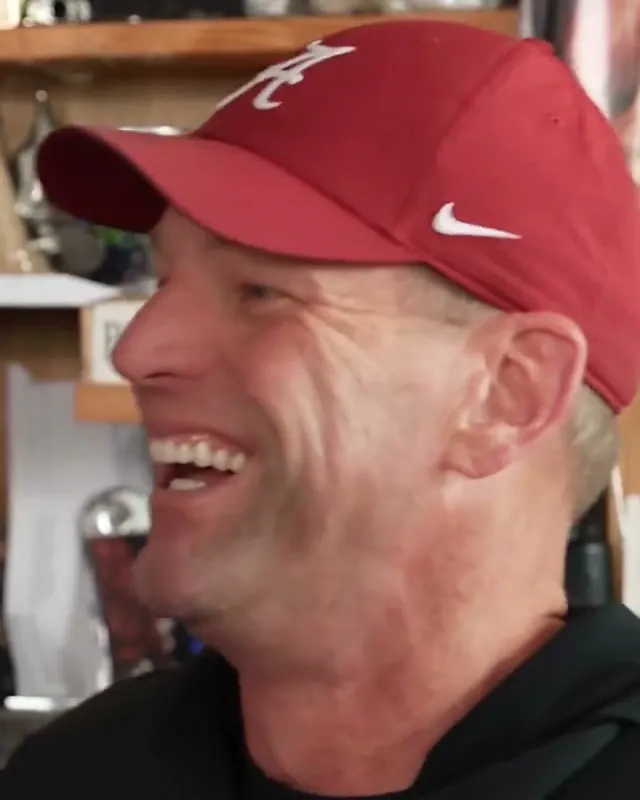
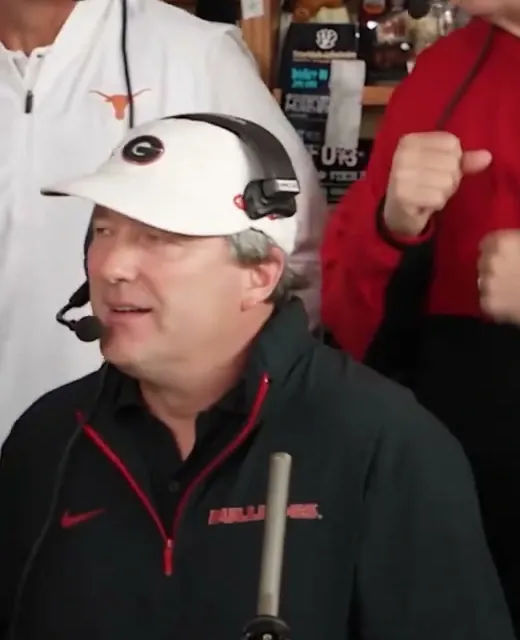
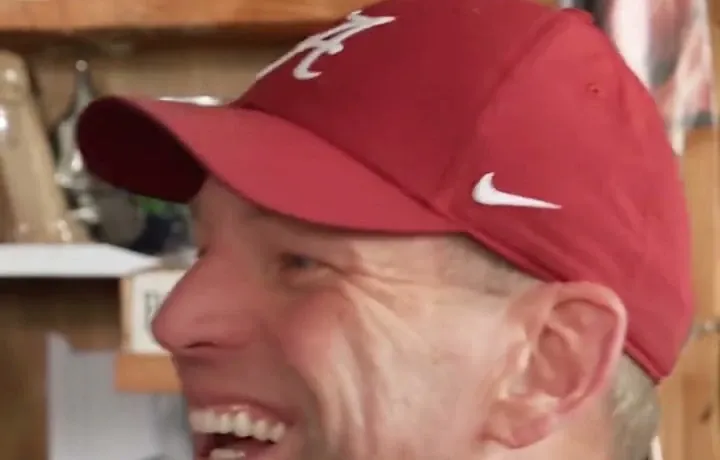
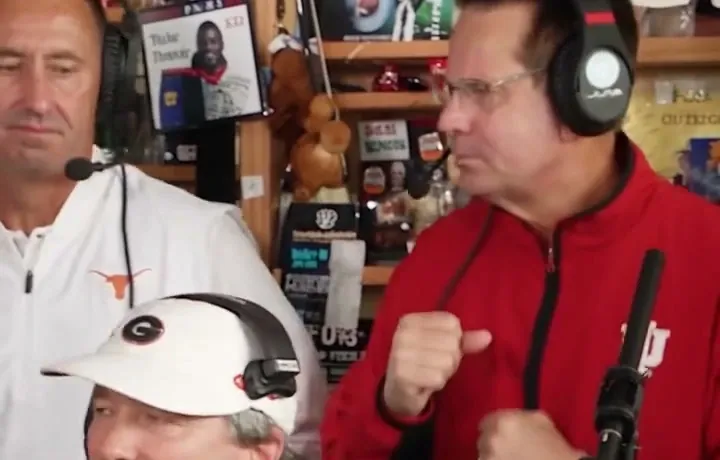
Generative photo-to-video AI has reached a new frontier. Rather than settling for robotic face-morphing or flat image overlays, Make Tiny Desk AI bridges still photography and cinematic video. Instead of static image pasting, the model generates temporal coherence—meaning your subject blinks, smiles, moves their mouth in sync with the vocals, and sways with the natural cadence of the band.
How Photo-to-Video Generation Works Here
Behind the scenes, our conversion pipeline leverages state-of-the-art visual diffusion algorithms engineered specifically for multi-person musical scenes:
Facial Alignment
The engine detects landmarks across the forehead, eyes, cheekbones, and jawline, constructing a high-fidelity 3D representation of the person.
Lighting Blending
The subject is composited with volumetric stage lighting, matching the ambient tones and shadows of the authentic Tiny Desk room.
Motion Synthesis
Diffusion frames generate natural vocal mouth shaping, joyful laughter, and head turns aligned to the 15-second concert audio track.
Best Photos for Recognizable Faces
The quality of your input photo directly dictates how recognizable the finished video will be. To get the crispest facial likeness, follow these guidelines:
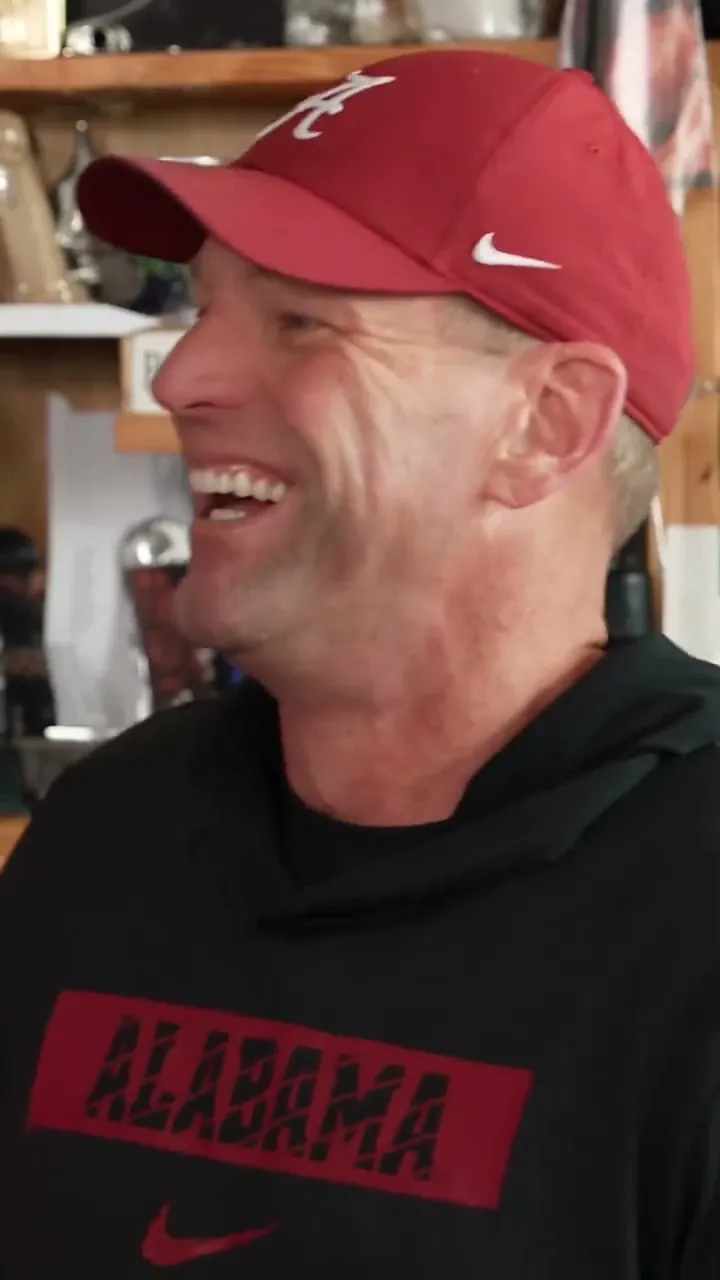
Recommended Photo Traits:
- Direct Front-Facing Pose: Head-on or subtle three-quarter angles give the model complete symmetry data.
- Balanced Lighting: Diffused natural light or evenly lit indoor spaces prevent harsh shadows across one eye or under the nose.
- Uncovered Features: Remove dark sunglasses, large face masks, or wide-brim hats that obscure the brow or forehead.
- High Resolution: Crisp smartphone photos produce sharper facial details than heavily compressed social media screenshots.
👉 Want a step-by-step walkthrough of the upload flow? See our How to Make a Tiny Desk AI Video guide.
Lead Photo vs. Band Member Photos
Our studio generator accommodates up to five distinct uploads per video creation:
Lead Performer (Required Slot)
Stars in the opening shot and takes center stage for the high-note reaction close-up. Choose your highest-quality portrait for this spot.
Band Members (4 Optional Bonus Swaps)
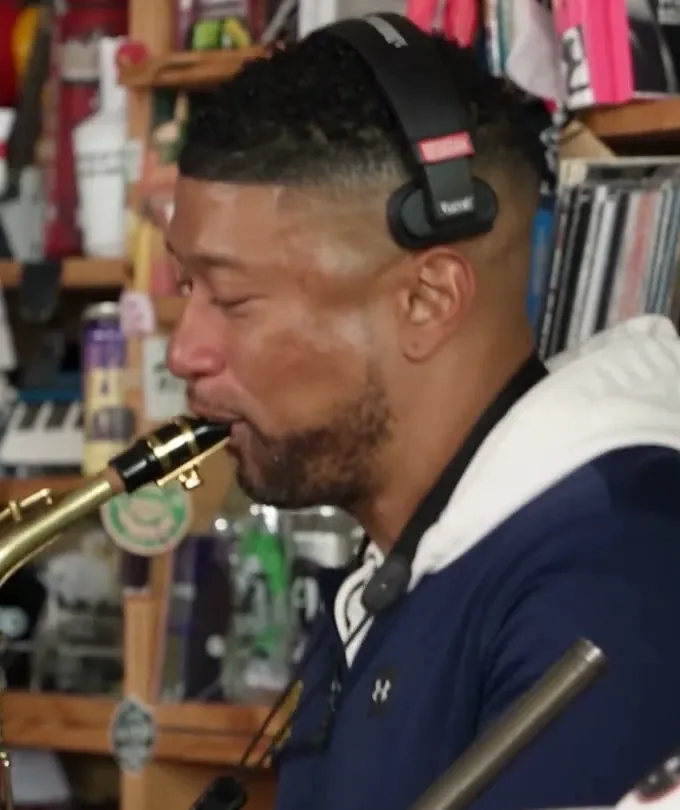
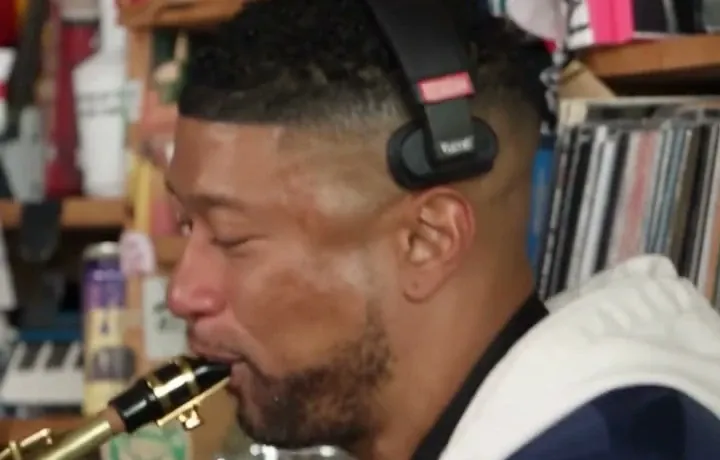
Keyboard player, two backing vocalists, and saxophone soloist. If you leave any of these empty, the original performers remain seamlessly in place at no extra credit cost.
Common Photo Pitfalls to Avoid
Uploading multiple people in a single slot causes the AI to blend faces. Always crop to an individual portrait.
One-sided studio lighting produces unnatural contrast in the video animation.
Photos shot from too high or too low distort facial geometry during mouth animation.
Filters that erase skin pore texture reduce the authenticity of the final AI video.