
Understanding the Tiny Desk AI Video Template
The Outstanding Tiny Desk concert template is a carefully scripted, 15-second musical choreography designed to replicate the intimate feel of a live office concert. Unlike generic video editing templates that require hours of timeline manipulation, our AI-powered template provides a pre-choreographed scene structure.
When you upload photos into the template slots above, our system identifies facial landmarks, aligns the characters with their musical instruments and stage positions, and uses generative diffusion to animate natural singing gestures, rhythmic head bobs, and camera transitions.
What Happens in the Viral Performance?
The reason this template has become an internet sensation is its comedic and musical pacing. Over the course of 15 seconds, the camera captures three key moments that viewers eagerly anticipate:
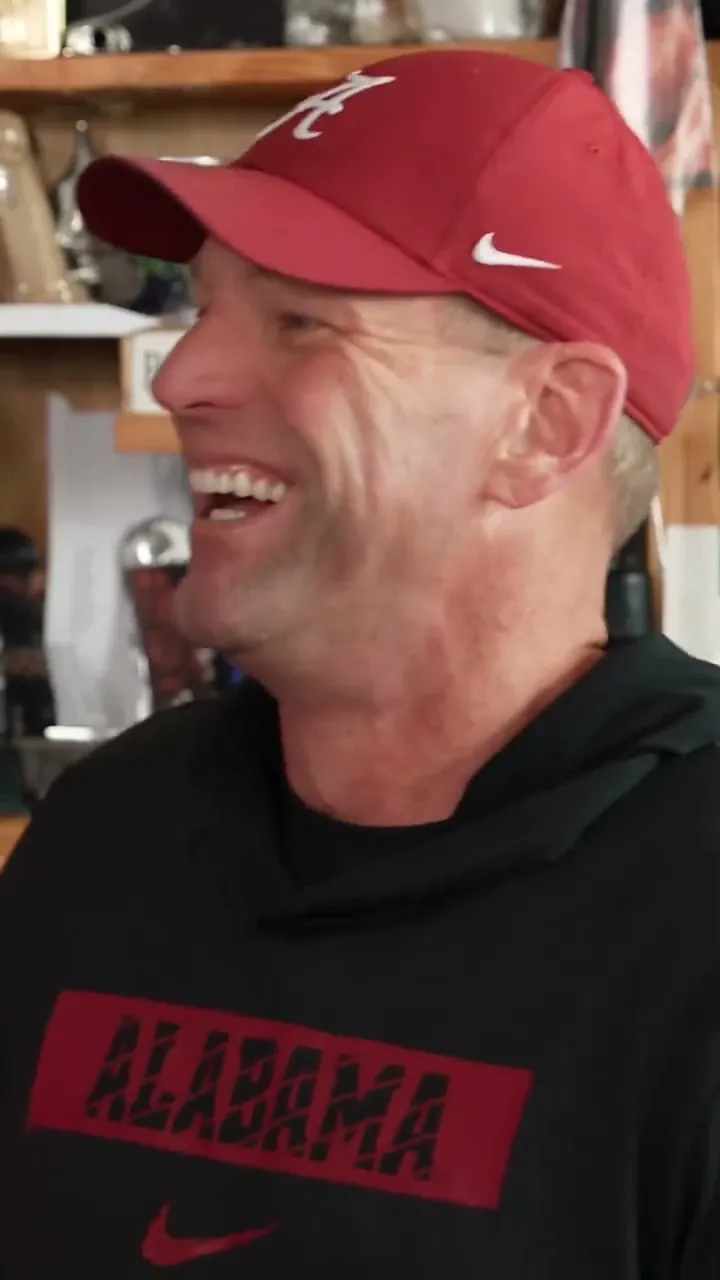
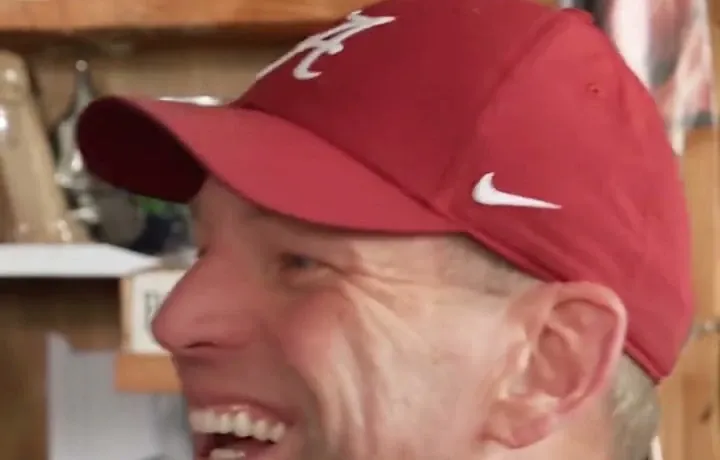
1. The Entrance & Laugh
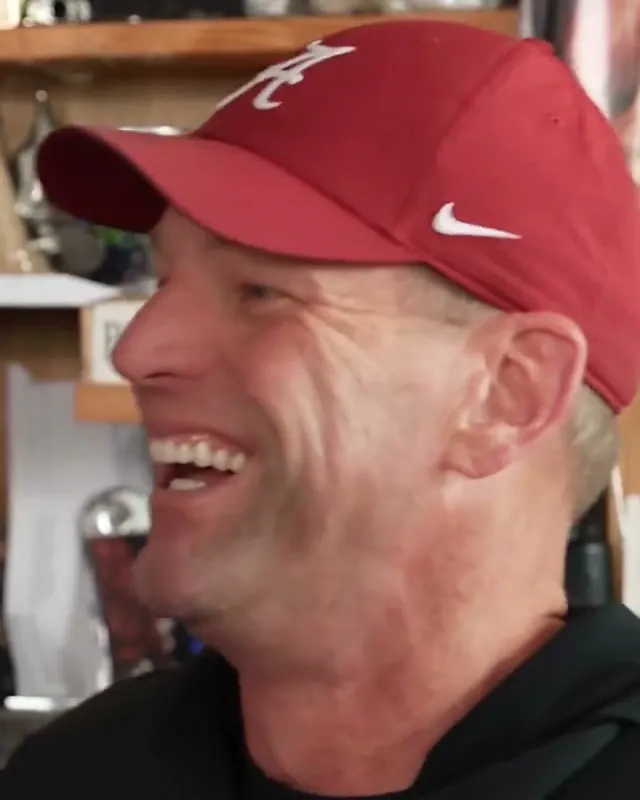
Your Lead Performer enters with soulful energy, singing into the microphone before bursting into the iconic vocal laugh close-up.
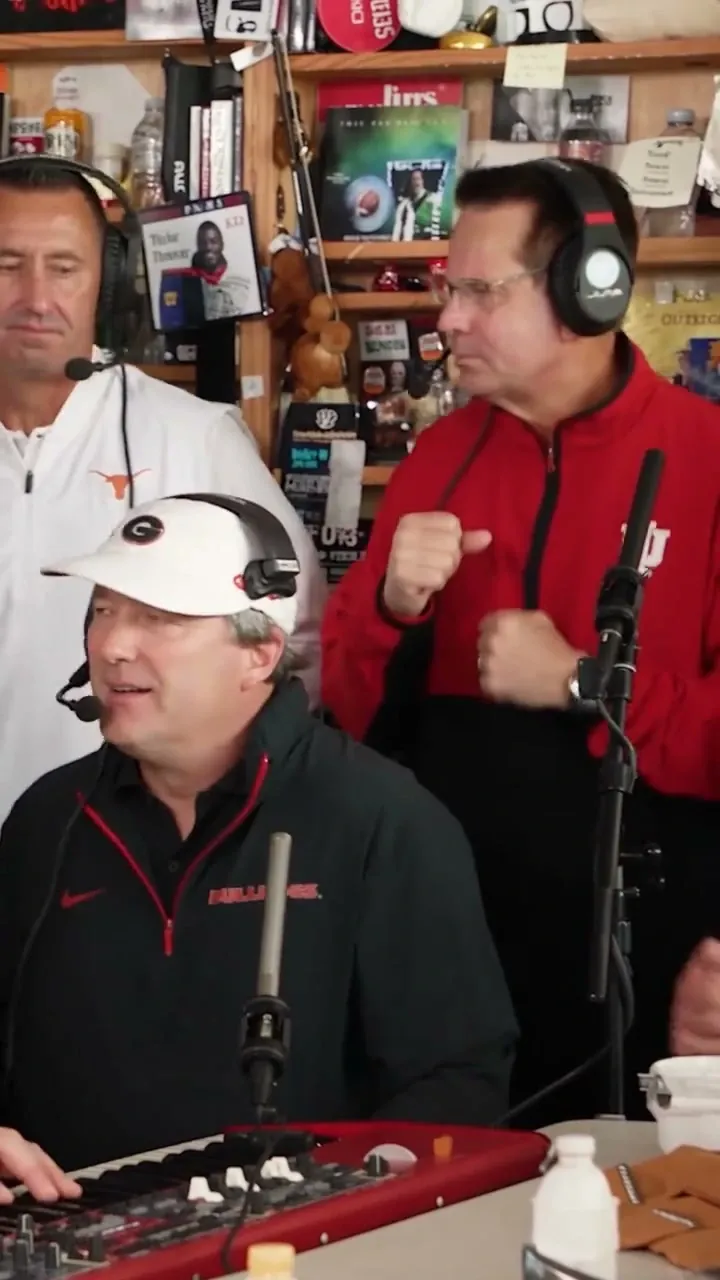
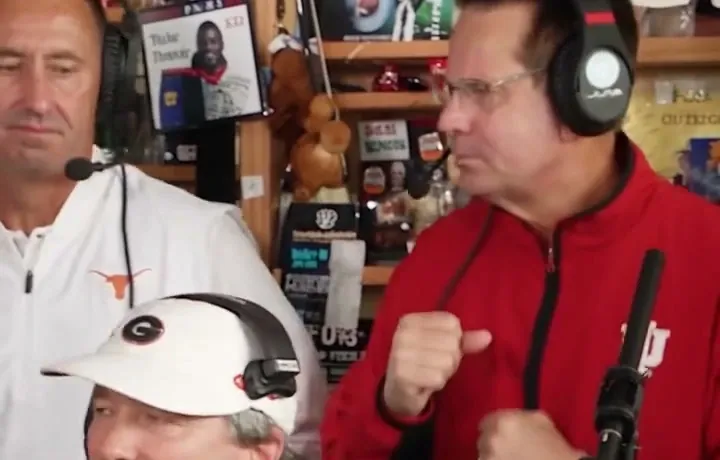
2. The Desk Ensemble
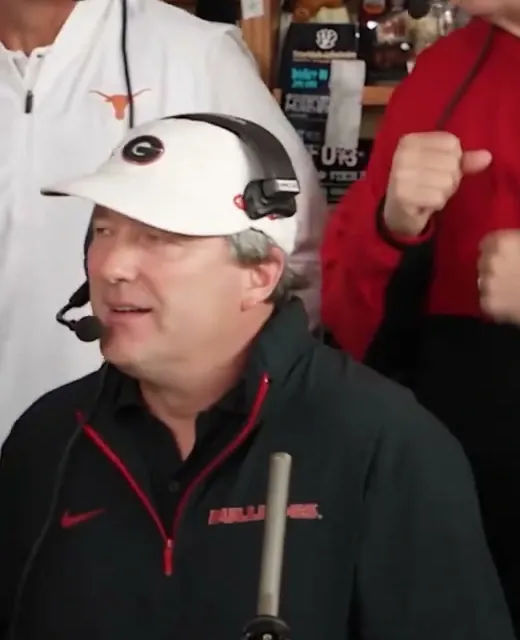
The camera cuts to the ensemble behind the desk: the keyboard player grooving with hand flourishes while backing vocalists harmonize.
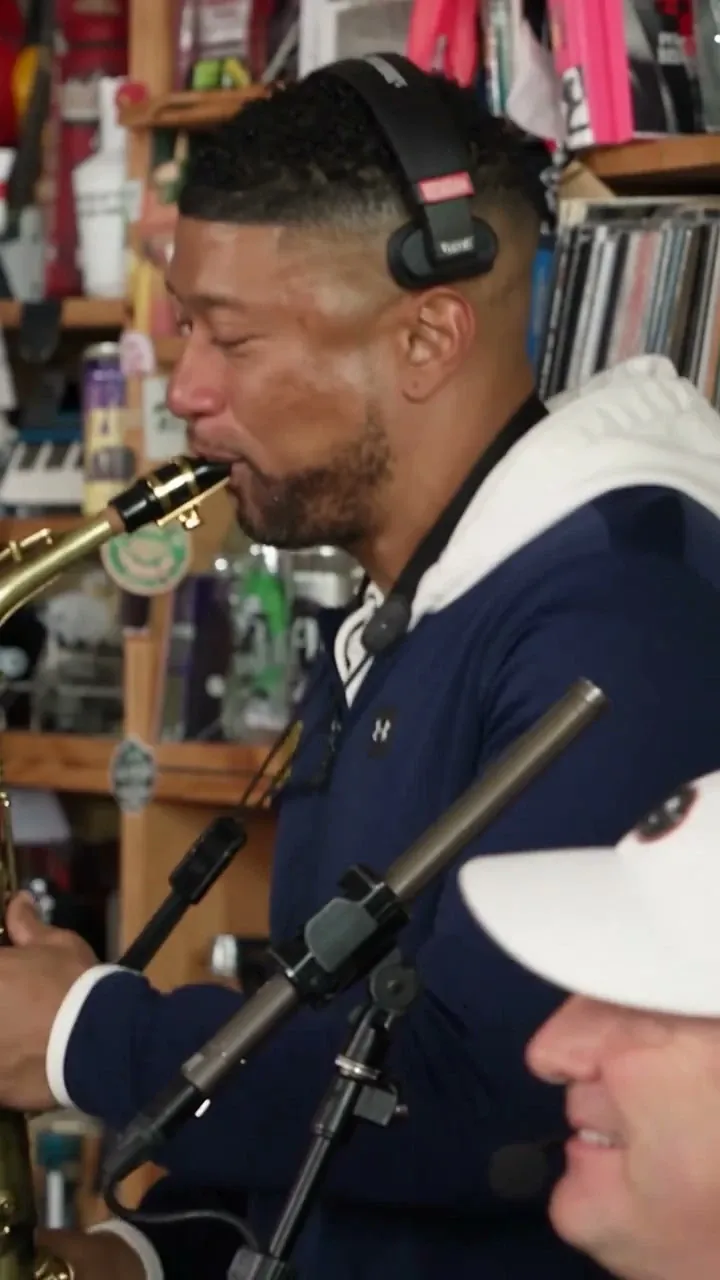
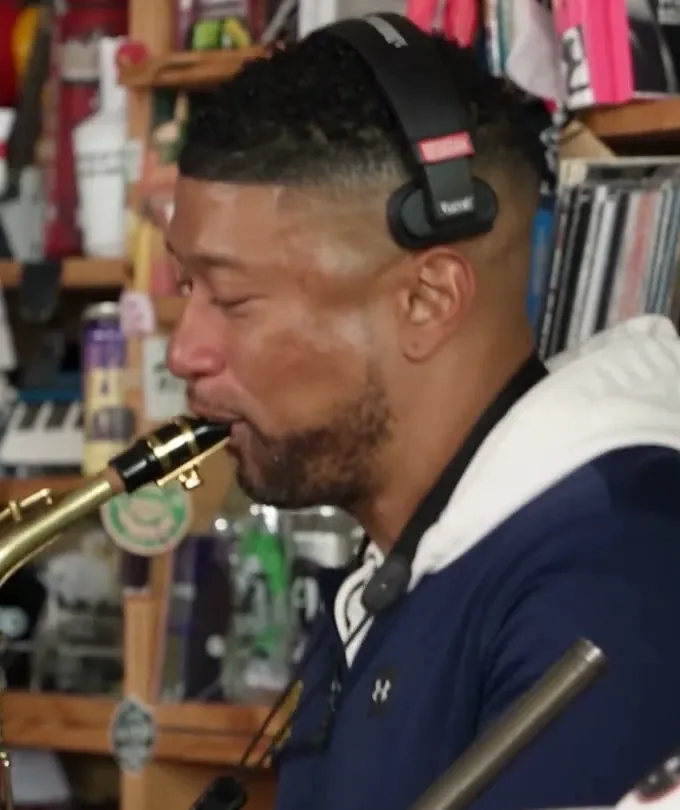
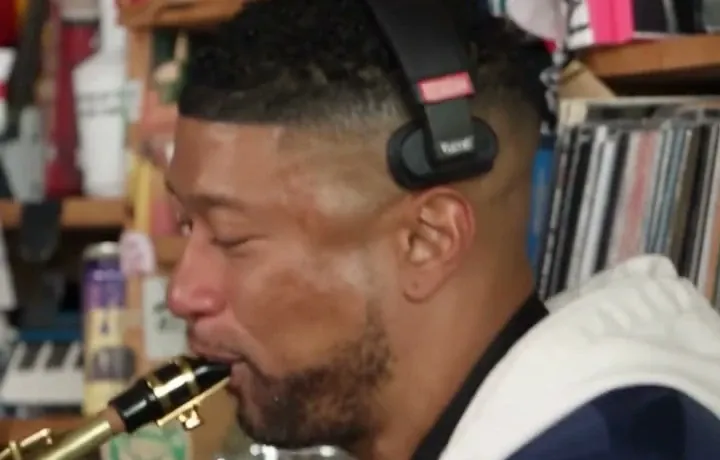
3. The Sax Solo Climax
The climactic final cut highlights the saxophone player leaning into a vibrant solo that closes the 15-second concert.
The Five Customizable Performer Roles
Our template is built around five distinct performer roles, giving you total creative control over who stars in the concert:
| Role | Position & Action | Slot Requirement | Default Behavior |
|---|---|---|---|
| 1. Lead Performer | Center stage, main vocals, reaction close-up | Required Photo | Replaced with your uploaded portrait |
| 2. Keyboard Player | Foreground right desk, keyboard synthesizer | Bonus Swap (Optional) | Preserves original reference player |
| 3. Backing Vocal (Left) | Rear left stage, harmonic swaying | Bonus Swap (Optional) | Preserves original reference singer |
| 4. Backing Vocal (Right) | Rear right stage, synchronized chorus | Bonus Swap (Optional) | Preserves original reference singer |
| 5. Saxophone Soloist | Final featured solo shot | Bonus Swap (Optional) | Preserves original reference soloist |
Tiny Desk AI Template vs. CapCut Template
Many creators search for a "Tiny Desk CapCut template" looking for a quick way to participate in the trend. However, there is a fundamental difference between video editing templates and our generative AI model:
Manual CapCut Templates
- Requires manual video editing, keyframing, and photo masking.
- Faces appear as flat, frozen 2D stickers that don't speak or sing.
- Lighting and skin tones frequently mismatch the concert background.
- Requires installing desktop or mobile apps and navigating timeline layers.
Make Tiny Desk AI Built-In Template
- 100% Automated Cloud Generation: Upload a photo and click Generate.
- Generative Video Motion: Faces sing, smile, laugh, and sway realistically.
- Volumetric Consistency: AI adapts background concert lighting onto characters.
- Multi-Character Support: Cast up to 5 people simultaneously at no extra charge.
Note: Make Tiny Desk AI is an independent web application and is not affiliated with or endorsed by ByteDance or CapCut.
Customize Video Format and Quality
Our template adapts dynamically to three distinct aspect ratios:
- 9:16 Vertical: Tailored for mobile feeds, TikTok, and Instagram Reels. (Read our TikTok Trend Guide for best practices).
- 16:9 Widescreen: Built for YouTube uploads, widescreen displays, and desktop viewing.
- 1:1 Square: Optimized for square feed grids on Instagram and LinkedIn posts.
- Resolution Flexibility: Select between 480P (5 credits), 720P standard default (10 credits), or 1080P Full HD (20 credits) based on your publishing needs.