
What You Need Before Making a Tiny Desk AI Video
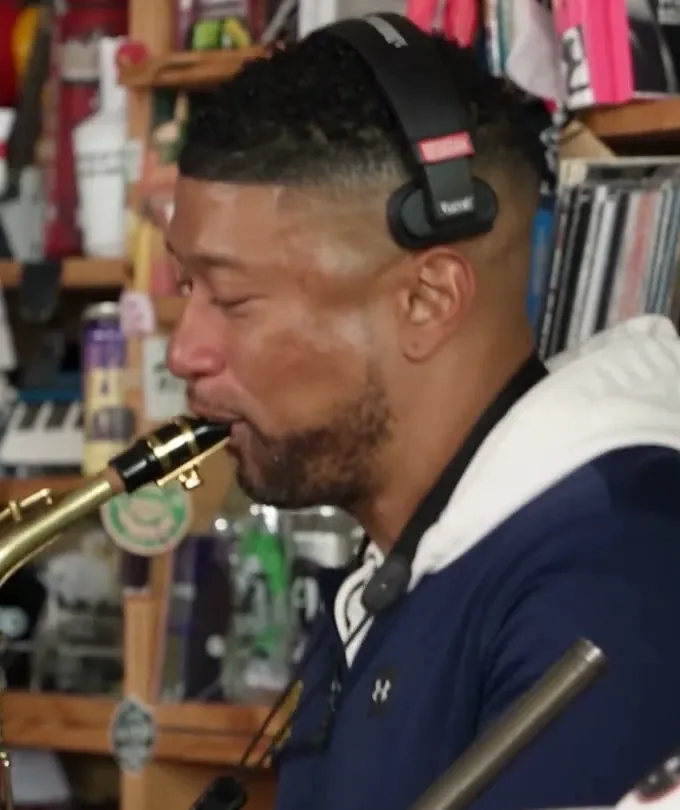
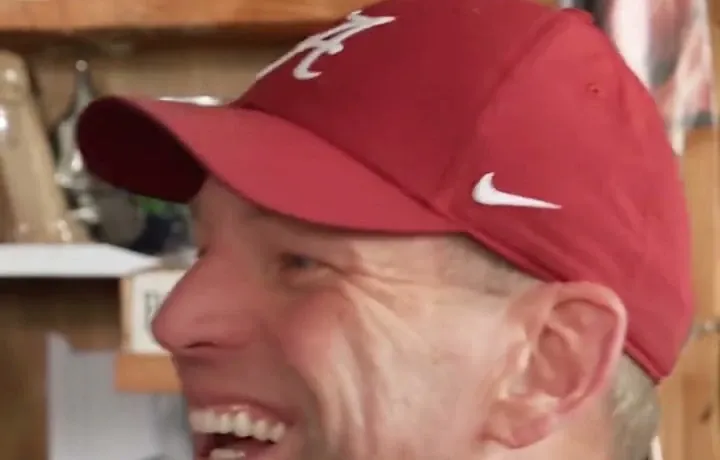
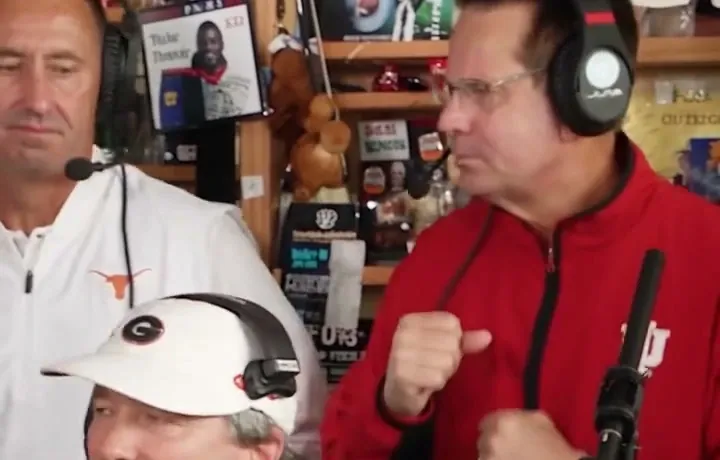
The Outstanding Tiny Desk trend has captured social feeds across TikTok, Instagram Reels, and YouTube Shorts. Inspired by the soul-stirring energy of classic live desk concerts, this AI video remix places your chosen faces right behind the famous cluttered office desk, complete with authentic vocal inflections, playful band cutaways, and an unforgettable saxophone solo.
Unlike complex video editing software or static face-swap templates, Make Tiny Desk AI uses an advanced video diffusion engine that synthesizes a continuous 15-second live performance with natural movement, realistic lighting, and genuine musical groove. Before you get started in the studio generator above, make sure you have:
At Least One Clear Portrait
One high-resolution portrait photo for the Lead Performer is all that is required. Selfies or portraits where the face is well-lit and unobstructed produce the best likeness.
Optional Friends’ Photos (Up to 4)
If you want to create a group remix, gather individual photos of up to 4 friends to cast as keyboardist, backing vocalists, and sax soloist at no extra credit cost.
Choose a Clear Photo for the Lead Performer
The Lead Performer is the central hero of your video. In our choreographed 15-second performance, the lead singer appears immediately in the opening shot and returns later for the signature big, expressive vocal close-up. Choosing the right photo for this role is the single most important factor in achieving an incredible result.
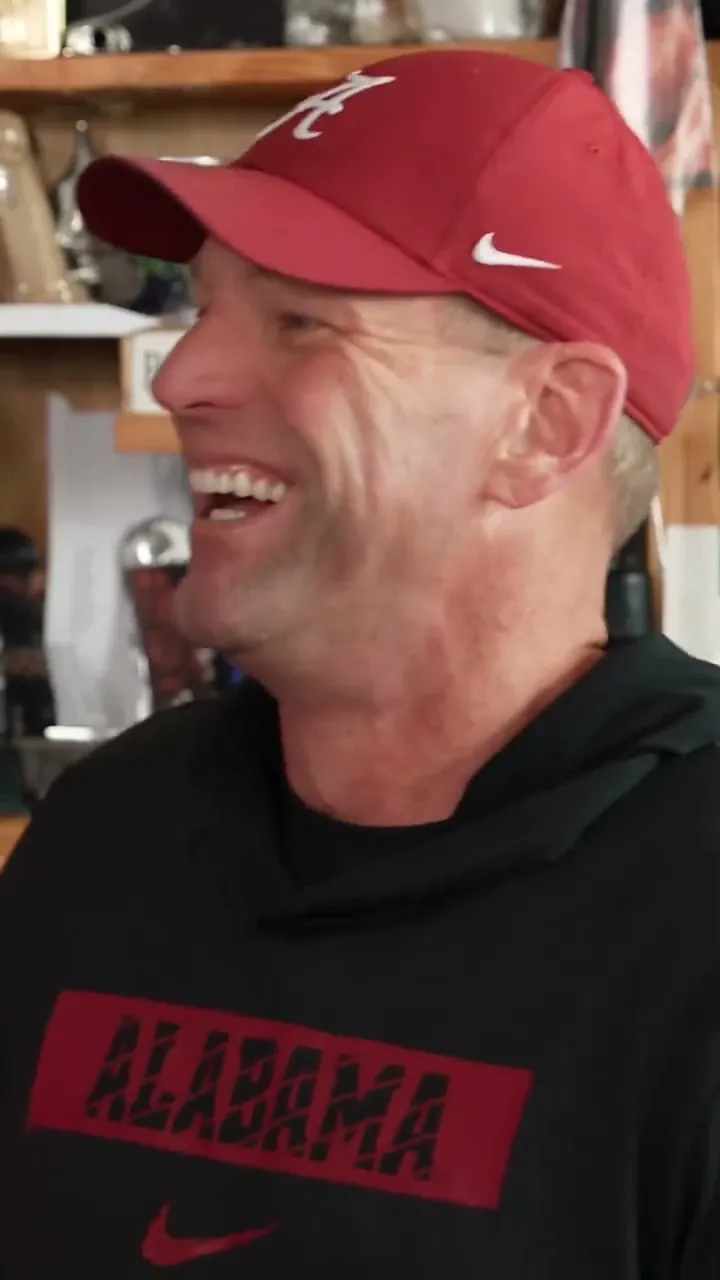
Lead Photo Guidelines:
- Direct Angle: A front-facing headshot or slight 3/4 angle gives the AI complete visibility of facial proportions.
- Even Illumination: Daylight or soft indoor lighting without harsh directional shadows ensures natural skin tone rendering.
- Clean Expression: Natural smiles or singing expressions transfer seamlessly onto the vocal track.
- File Requirements: Standard JPG, PNG, or WebP formats up to 15MB.
💡 For deeper technical tips on how our diffusion model processes portraits, check out our Tiny Desk AI Photo to Video guide.
Add Up to Four Optional Bandmates (4 Bonus Swaps Included)
What sets Make Tiny Desk AI apart is our multi-role band customizer. While generating an AI video only requires a lead portrait, our generator includes four additional role slots at zero extra credit cost:
Performs at the foreground desk with funky, rhythmic keyboard hand gestures.
Sways to the groove on the left side of the band, providing lively vocal harmonies.
Stands on the right side of the desk, singing in sync during the high-energy chorus.
Takes over the screen in the final shot with a show-stopping saxophone solo.
On mobile devices, tap the BONUS Bandmates accordion in the generator to expand the four photo upload slots. If you choose not to replace a particular band member, our model automatically maintains the original reference musician for that spot. Learn more about the concert choreography in our Outstanding Tiny Desk AI Template breakdown.
Select Your Video Format and Quality
Before generating, choose the exact aspect ratio and video resolution to suit where you plan to share your clip. Our generator offers full customization directly in the video settings toolbar:
| Aspect Ratio | Best Platform | Description |
|---|---|---|
| 9:16 Vertical | TikTok, Reels, Shorts | Full-screen smartphone format, ideal for social engagement. |
| 16:9 Widescreen | YouTube, TV, Desktop | Classic horizontal concert documentary aesthetic. |
| 1:1 Square | Instagram Feed, X/Twitter | Compact, versatile frame that looks great in square timelines. |
Resolution & Credit Pricing Rules:
- 480P Standard Definition: 5 Credits per video (Great for rapid drafts and previews).
- 720P High Definition (Default): 10 Credits per video (Optimal balance of sharp facial detail and fast generation).
- 1080P Full HD: 20 Credits per video (Pristine visual clarity for prominent creator channels).
Notice that the Generate button dynamically updates its credit label in real time as you toggle between 480P, 720P, and 1080P!
Generate Your Outstanding Tiny Desk Video
Once your lead image is selected and optional bandmates are set, click the prominent purple button labeled Generate My Tiny Desk Video.
What happens during generation?
- Automated Safety Moderation: Images pass through high-speed content moderation to ensure compliance with our terms of service.
- Secure Cloud Upload: Your photos are securely routed to an encrypted temporary bucket accessible only by your authenticated task.
- Video Diffusion Synthesis: Our high-performance AI inference pipeline synthesizes the 15-second performance with smooth musical rhythm, accurate lip-sync expressions, and camera motion.
- Automatic Credit Restoration: If inference fails for any unexpected technical reason, your credits are refunded to your account immediately.
Review, Download and Share Your Video
When generation completes, the studio generator switches automatically to the video player view. You can review your finished 15-second concert remix with full-screen playback controls.
Direct MP4 Download
Click Download Video (MP4) to save your high-resolution file directly to your smartphone camera roll or computer disk. There are no distracting watermarks.
Social Sharing & Sound Pairing
Open TikTok or Instagram Reels, select your newly downloaded MP4, and search for the viral Outstanding audio sound to complete the trend. For full posting strategies, explore our Tiny Desk AI TikTok Trend guide.
Common Photo Mistakes and How to Avoid Them
1. Uploading group photos to a single slot: Each role slot expects an individual person. If an image contains multiple faces, the AI may blend facial features or pick the wrong subject.
2. Faces covered by sunglasses or heavy hats: When eyes and eyebrows are obscured, the AI cannot generate expressive singing gazes or the iconic laughing close-up.
3. Extreme low-resolution screenshots: Highly compressed or pixelated images yield blurry facial textures. Aim for clear portraits taken with a smartphone camera.