
Make Your Own Tiny Desk AI Video
Turn your photo into a viral Tiny Desk AI concert video. Upload a lead portrait, optionally swap in up to four bandmates, and get a dynamic 15-second performance in minutes.
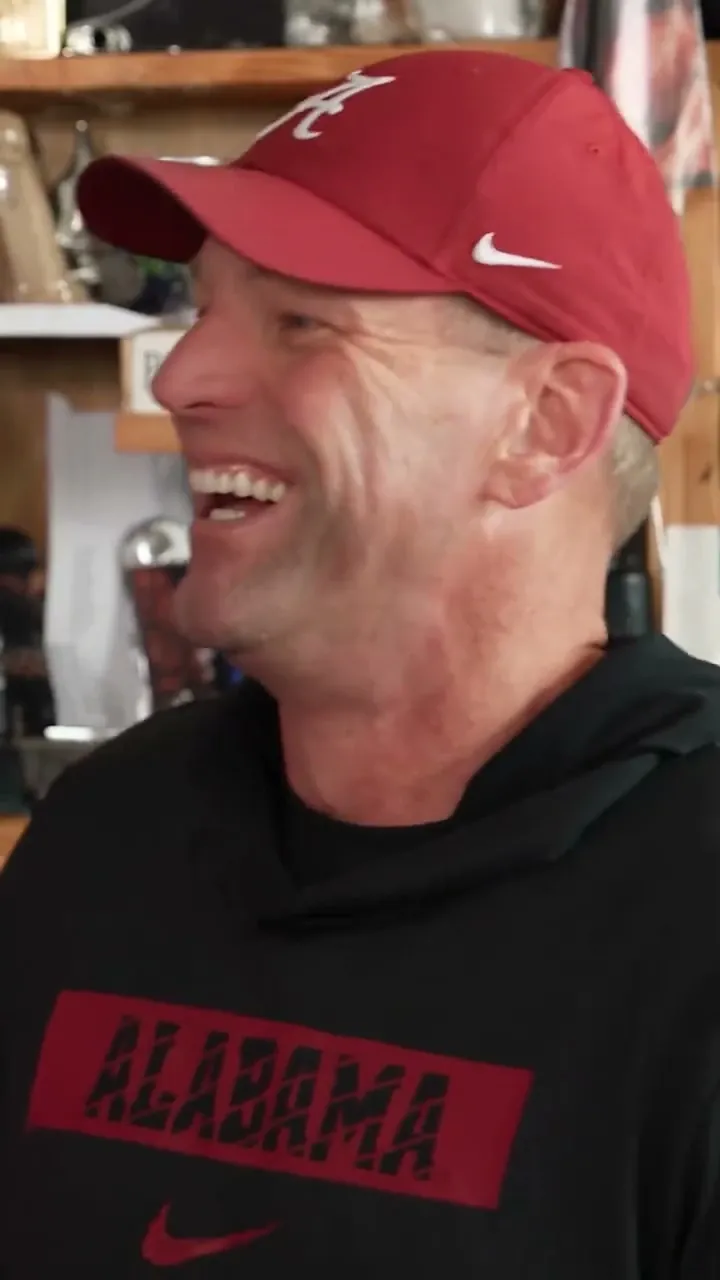
Make Your Tiny Desk Band
Every great band needs a front person. Pick yours, then decide who else gets a spot in the performance. Replace one face or bring the whole crew.
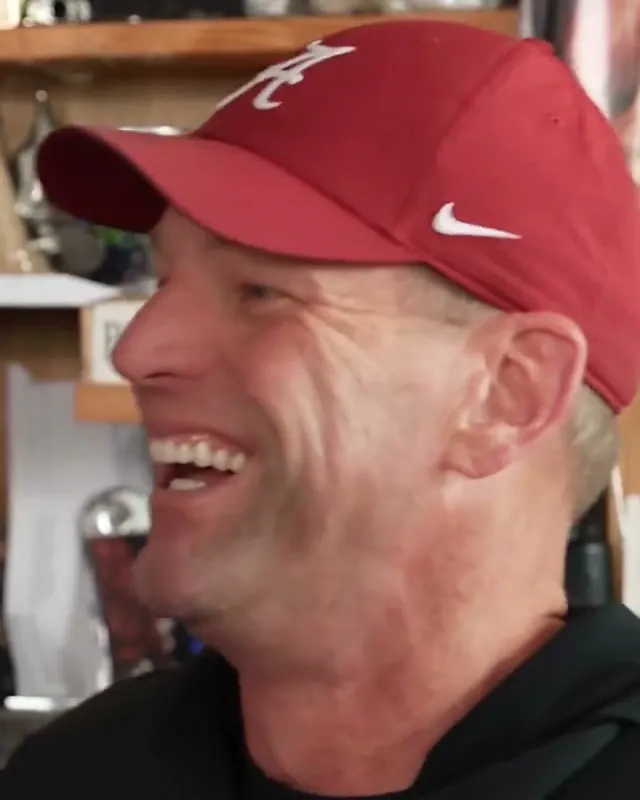
Lead Performer
The star of the opening shot and the big close-up. Start here.
One clear portrait. JPG, PNG or WebP, up to 15MB.
By uploading photos and clicking Generate, you confirm that you have permission to use these images and agree to our Terms of Service and Privacy Policy.
We use your uploaded images only to generate your video. Real AI generation • Automatic credit restoration on failure.
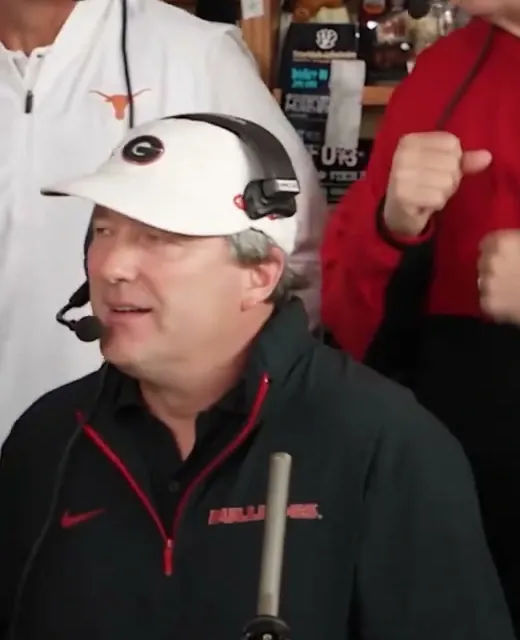
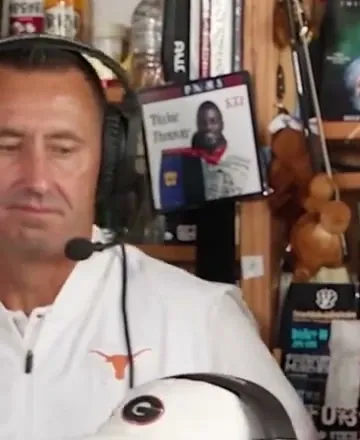
Reference concert moments you will remix.
Your generated video keeps this exact timing, shot progression, and viral concert groove.
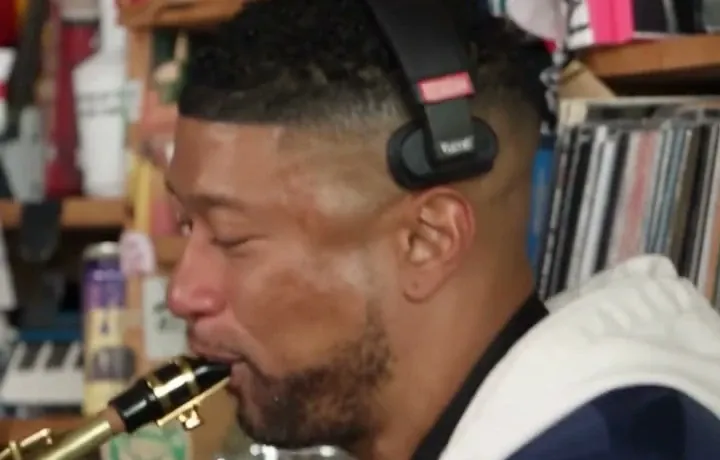
The Shots Everyone Waits For
The opening look. The band behind the desk. That unforgettable laugh. And the sax solo that steals the ending. It's a performance made for a new cast.
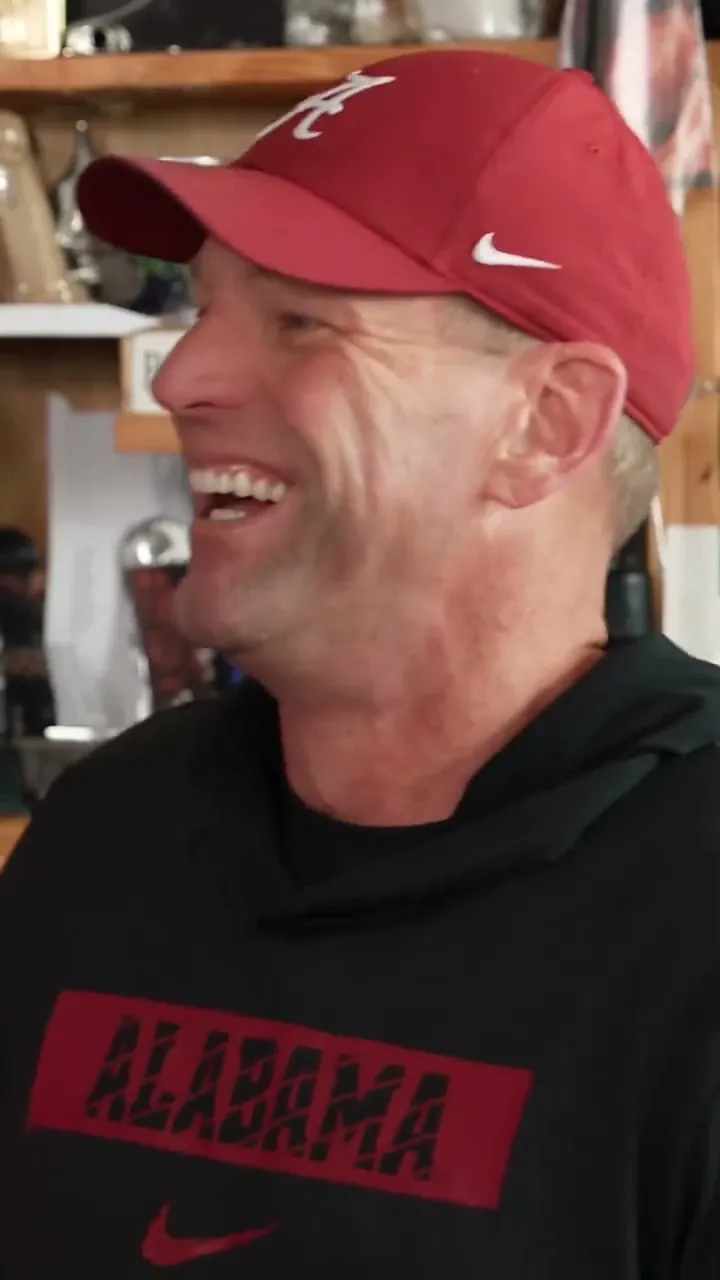
The First Look. The Big Laugh.
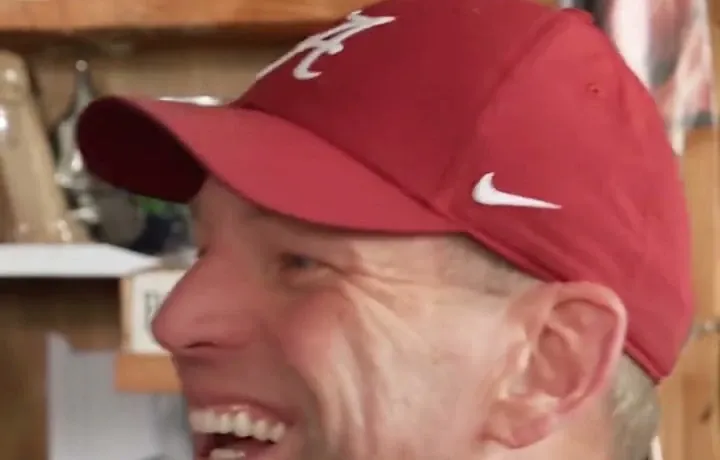
Your lead makes the opening entrance, then returns for the most expressive close-up in the video. Two memorable moments, one familiar face.
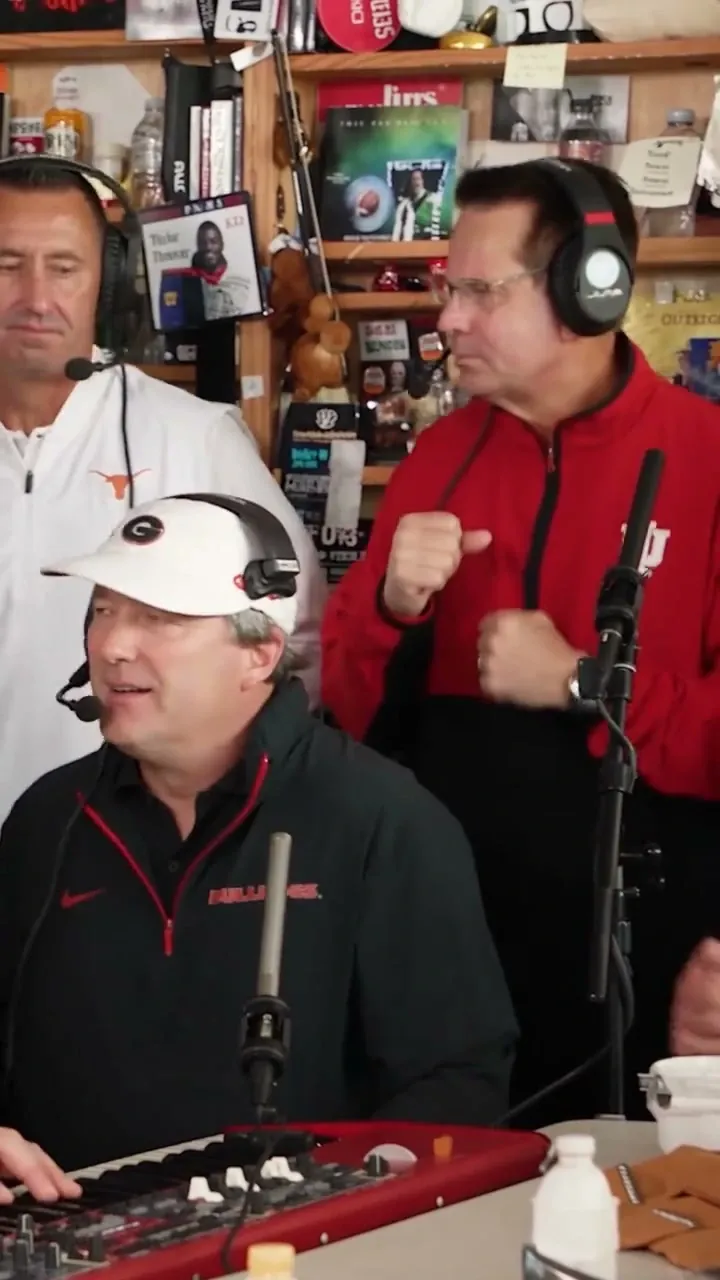
Everyone Gets Into the Groove
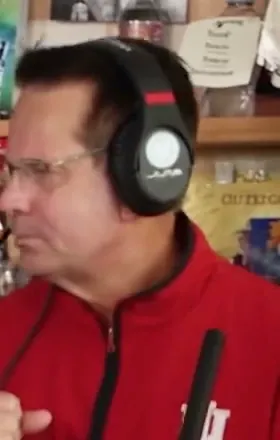
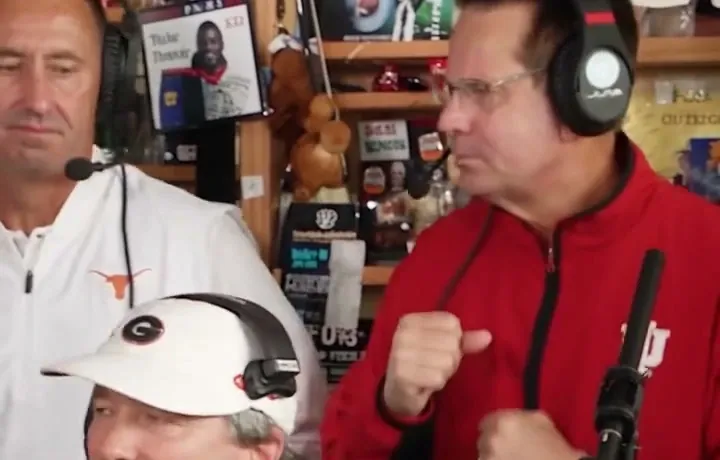
The keyboard player takes the front, with two backing performers bringing the energy behind. Change any of these three roles—or keep the original crew.
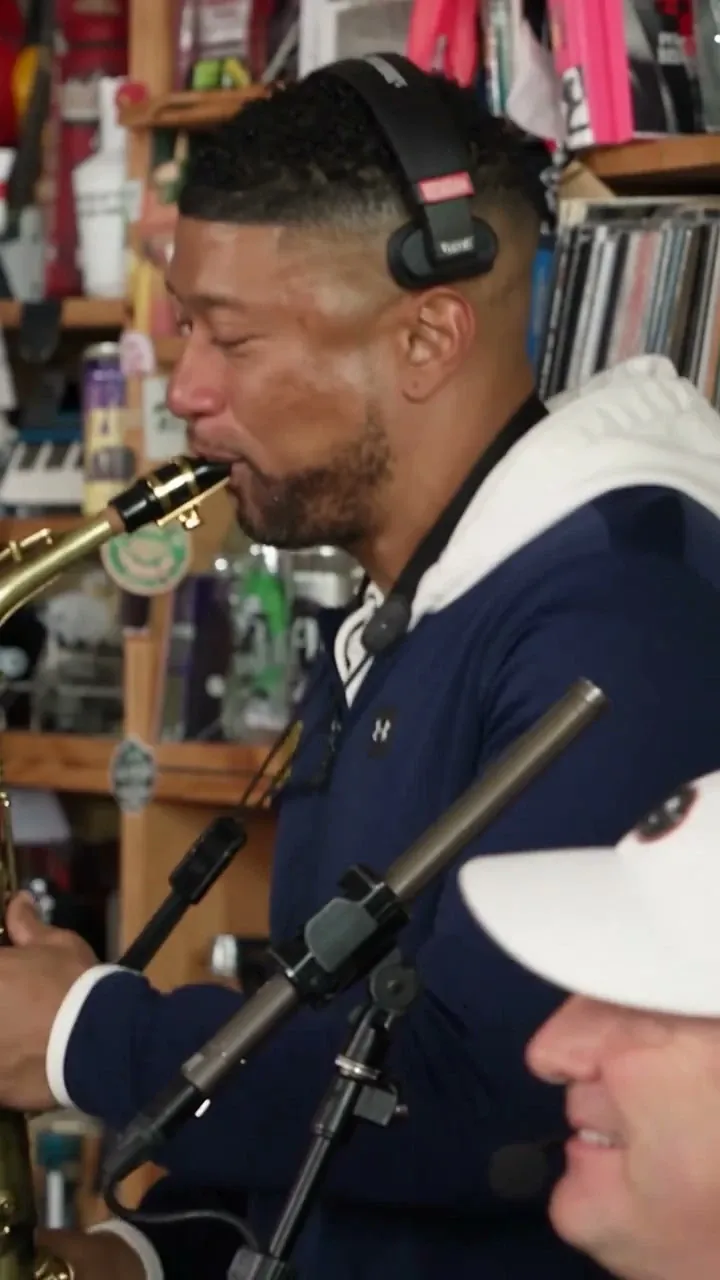
Cue the Saxophone Moment
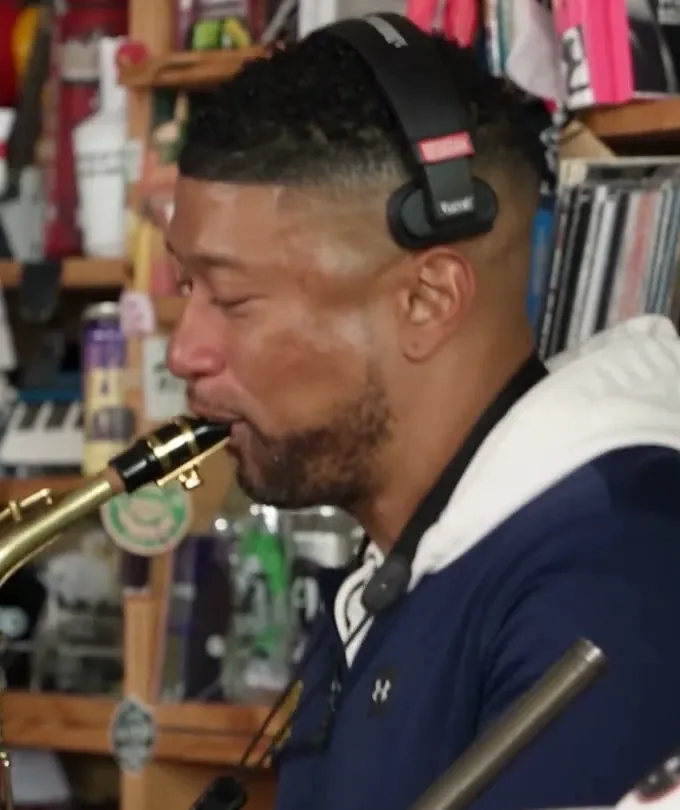
The camera cuts to a sax solo near the end. Give that spotlight to a friend, or let the original sax player finish the set.
Build the Band in Three Moves
No editing timeline. No complicated prompt. Just choose the faces, pick your video settings, and let the performance take shape.
Pick Your Headliner
Upload one clear photo for the lead performer. This person takes the opening moment and the big close-up.
Cast the Cameos
Want your friends in the band? Add them to the keyboard, two backing vocal spots, or sax. All four extra roles are optional.
Make the Performance Yours
Choose your available video settings, generate your 15-second Tiny Desk AI clip, then review and download the result.
Make Every Face Count
You don't need studio portraits. A sharp, well-lit photo gives the AI a much better starting point for the person you want to see on screen.
- One clearly visible face per photo
- Natural daylight or even indoor lighting
- Eyes, face and hairstyle easy to recognize
- Head and shoulders visible
- A natural smile or relaxed expression
- Blurry, heavily filtered or tiny faces
- Dark shadows hiding facial details
- Sunglasses or masks covering the face
- Multiple people crowded into one photo
- Extreme angles that hide most facial features
A Whole Band. Your Rules.
The best part of this trend isn't just seeing yourself on screen. It's deciding who belongs behind the desk with you.
The Lead Is Yours
One photo puts your chosen performer in the most memorable moments of the concert—from the opening look to the big reaction.
Four More Ways to Remix
Give the keyboard to a friend, switch out the backing singers, or save the sax solo for the perfect surprise guest.
The Performance Is Ready
No need to direct a concert from scratch. The familiar camera cuts, musician positions and performance rhythm provide the starting point.
Made to Share the Moment
Turn your finished band video into a group-chat reveal, a social post, or a playful tribute to your favorite people.
Who Can You Put in Your Tiny Desk AI Video?
Five parts in one familiar performance. Here's where each person appears—and which spots are yours to customize.
| Role | On-Screen Moment | Your Choice | If You Skip It |
|---|---|---|---|
| Lead Performer | Opening and main close-up | Required photo | Always replaced |
| Keyboard Player | Front of the group performance | Optional photo | Keep original |
| Backing Vocal (Left) | Rear-left of the group scene | Optional photo | Keep original |
| Backing Vocal (Right) | Rear-right of the group scene | Optional photo | Keep original |
| Saxophone Player | Final saxophone close-up | Optional photo | Keep original |
One-Time Credits. More Moments to Make.
Make one video or try a few different lineups. Pick the credit pack that works for you—without a monthly subscription.
Single
Ideal for turning one face into the lead singer and trying your first Outstanding Tiny Desk AI remix.
- Create 2 videos in 480P or 1 in 720P. 1080P requires 20 credits.
- One-time purchase
- Credits never expire
- Choose who appears in your band
- Download your finished MP4
- Credits restored for confirmed generation failures
Tax exclusive. Final tax calculated at checkout.
Trio
The best pick for testing multiple lead performers, swapping band members, or making videos for friends.
- Create 6 videos in 480P, 3 in 720P, or 1 in 1080P.
- One-time purchase
- Credits never expire
- Choose who appears in your band
- Download your finished MP4
- Credits restored for confirmed generation failures
Tax exclusive. Final tax calculated at checkout.
The Joke Is Who You Cast
The Outstanding Tiny Desk AI trend took a familiar concert moment and gave it a completely unexpected cast. Inspired by Charlie Wilson's Tiny Desk performance of “Outstanding,” AI remixes began putting recognizable faces behind the desk—most famously in a viral college-football-coach version that spread across social media in October 2026.
The formula is simple, and that's what makes it fun. You recognize the crowded room, the keyboard, the backing performers, the huge reaction shot and the saxophone handoff. But suddenly, the people performing are your friends, teammates, coworkers or whoever belongs in your version of the joke.
Make Tiny Desk AI puts the casting decisions in your hands. Choose your lead, bring in up to four bandmates, and build a new take on that instantly recognizable performance. One person can carry the moment—or the entire group can join in.
Explore Tiny Desk AI Guides & Resources
Step-by-step tutorials, meme playbooks, template breakdowns, and viral TikTok optimization strategies to help you craft the perfect concert remix.
How to Make a Tiny Desk AI Video
Complete beginner walkthrough: photo requirements, casting 5 band roles, quality settings, and downloading your 15-second concert video.
Meme Video Generator for Outstanding Tiny Desk AI
Turn group chats, office drama, sports rivalries, and fandom in-jokes into hilarious acoustic remixes with punchy band placement.
Outstanding Tiny Desk AI Template
Deep dive into the five-character concert layout: Charlie Wilson stage energy, keys groove, harmony vocalists, and saxophone solo cutaways.
Tiny Desk AI Photo to Video Generator
Learn how static 2D portraits are transformed into animated, singing concert performers with lifelike expressions and realistic studio lighting.
Tiny Desk AI TikTok Trend: Make Your Own Video
Hook strategies, sound pairing, hashtag optimization, and export specs to get maximum engagement and views on TikTok, Reels, and Shorts.
Got Questions? We Got Answers.
Who's in Your Outstanding Lineup?
Put yourself in the lead, call in your funniest friends, and give the sax solo to someone nobody expects. Your next group-chat favorite starts with one photo.
Start with one photo · Add up to four friends · One-time credits